How to update progress from the site in 10 seconds
If reporting progress takes more than a few taps, it will not happen. Here is the workflow we designed for foremen.
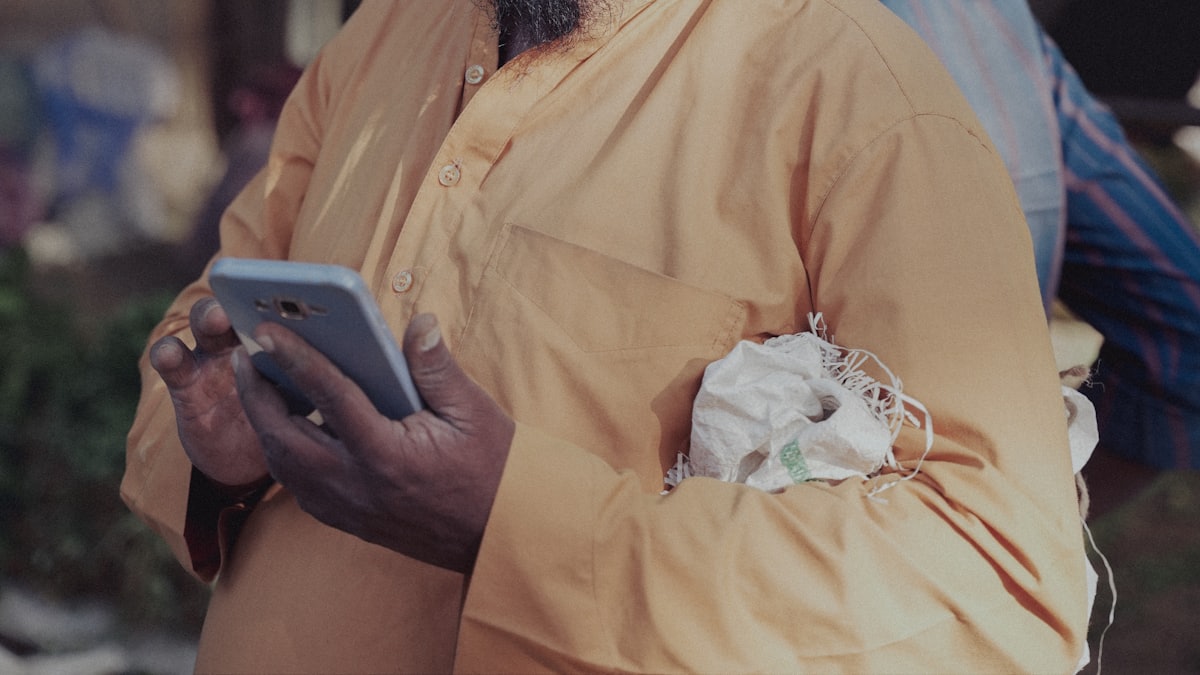
What a 10-second site update is
A 10-second site update is a single, structured progress entry a foreman sends from the job site without writing a report. In practice it means opening the app, picking the task, sliding the percentage to where the work actually stands, and attaching one photo as evidence. That entire loop fits inside the time it takes to walk between two work areas. The point is not speed for its own sake. It is removing every excuse to skip reporting, so the office always has a current picture of the build instead of guessing from memory or yesterday's phone call after the crew has gone home.
Why short updates beat detailed ones
A detailed daily report sounds responsible, but on a busy site it quietly dies. Foremen are not paid to write, and by the time they sit down the details have already blurred together. A short update wins precisely because it asks almost nothing: a number and a photo carry more honest signal than three paragraphs written from memory at 7pm. Consistency beats depth here. Ninety brief updates across a project tell you the real story of momentum, stalls, and recovery far better than a handful of thorough essays that stop appearing the moment the schedule gets tight.
Khun Somchai's townhouse update
Picture Khun Somchai running a six-unit townhouse build. On a normal Tuesday his concrete crew finishes the second-floor slab on Unit 3. Instead of phoning the office, he opens SiteBoard, taps the task called Second-floor slab, drags it from sixty percent to one hundred, and snaps one photo of the poured deck. Ten seconds. The office sees Unit 3 move without a single call. Later that week the tile work on Unit 1 stalls waiting on grout, so he leaves it at forty and adds a photo. Now the delay is visible to everyone before it becomes an argument.
Small daily friction adds up
Most reporting habits fail on friction, not motivation. If logging progress means hunting for the right form, typing on a cracked screen, and remembering five fields, a tired foreman will simply not do it tonight. He will tell himself he will catch up tomorrow, and tomorrow he is one day further behind. SiteBoard is built around shaving that friction to almost nothing, because every saved tap is a reason the update actually happens. When the easiest path and the correct path are the same path, good reporting stops depending on discipline and starts happening on its own.
Updates as a shared memory
A stream of quick updates slowly becomes something more useful than status: it becomes the project's memory. Months later, when someone asks why the roof slipped two weeks, you are not relying on competing recollections. You scroll back and see the exact day the work paused, the photo of the half-finished structure, and the percentage that sat frozen while everyone waited on materials. That record settles disputes calmly and teaches you where your own estimates tend to drift. The ten seconds a foreman spends today is really a note to the version of your team that has to explain this project later.
The reporting problem
Most progress reporting systems fail because they ask too much of the person doing the work. A foreman managing 20 people across two floors does not have time to open a laptop, log in, find the right project, navigate to the correct task, type a note, attach a file, and submit a form. So they do not. Progress lives in their head and in LINE messages until Friday, when someone asks and they estimate.
Reporting has to be effortless
Every extra field is a reason not to update. So the on-site flow is three taps: pick the task, slide the % complete, snap a photo. Done. No typing required. The update is timestamped and attached to the task automatically. If a foreman can do it while walking between floors, they will do it every day.
How the three-tap flow works
Open the app. Today's tasks are listed at the top — no searching. Tap the task that just moved. Slide the bar to the new percentage. The app opens the camera. Take one photo. Hit confirm. The update is live. From unlock to done: under 15 seconds including the photo. We timed it.
Photos are the proof
A number alone can be optimistic. A photo attached to each update turns progress into evidence — useful for the owner and for your own records. When a dispute arises about whether a stage was complete before a payment milestone, you have a timestamped photo at every step. That is worth more than any signed form.
What foremen actually say
The most common thing we hear from foremen: "I thought it would be one more thing to do. Now I do it before I walk to the next task because it takes less time than answering the boss's WhatsApp." The second most common: "The owner stopped calling me directly. Now they call the contractor. Good."
It flows back to the plan
Because the update lands on the same task in the Gantt, the schedule stays honest automatically. No double entry, no end-of-week catch-up. The project manager sees plan vs actual the moment the update is saved. If task 14 just moved from 40 % to 70 % in one afternoon, they know the crew is performing. If it has been stuck at 40 % for three days, they know to ask why.
What happens when there is no signal
Some sites are inside buildings, in basements, or in rural areas with weak coverage. Updates captured offline queue automatically and sync when the phone gets a signal — usually by the time the foreman walks back to the site office or drives home. Nothing is lost, and nothing needs to be re-entered.
Making it stick with the team
The easiest way to build the habit: at the Monday briefing, show the foreman which tasks are assigned to them this week. Explain that updating % is how they tell you the work is done without having to call. After the first week, when they see the Gantt update and hear nothing from you, they understand: the update is the conversation.
Bring your next project on schedule
Start free today — no card, no commitment. Add your crew when you are ready.